
Selling on TikTok looks simple from the outside. You post a video, someone wants what you are showing, and they buy it. The part nobody mentions is that TikTok itself only gives you a few ways to actually take the money, and the route you pick shapes your fees, your control, and how much admin you end up doing.
Broadly, there are two paths. The first is selling natively through TikTok Shop, where the whole purchase happens inside the app. The second is pointing people out of TikTok, usually through your bio link or a “link in comments” prompt, towards a storefront or checkout you control. Neither is automatically better. It depends on what you sell, who is watching, and how hands-on you want to be.
This guide walks through ten platforms that creators and small brands use to get paid from TikTok traffic. Some are full marketplaces, some are simple checkout links, and a couple are raw payment processors. For each one you will find what it does well, who it suits, and the things worth knowing before you commit.
One housekeeping note: the fees and features below were accurate as of mid-2026. Payment platforms change pricing and policies often, so treat the numbers as a starting point and check the current rates on each provider’s own pricing page before you decide.
1. Whop
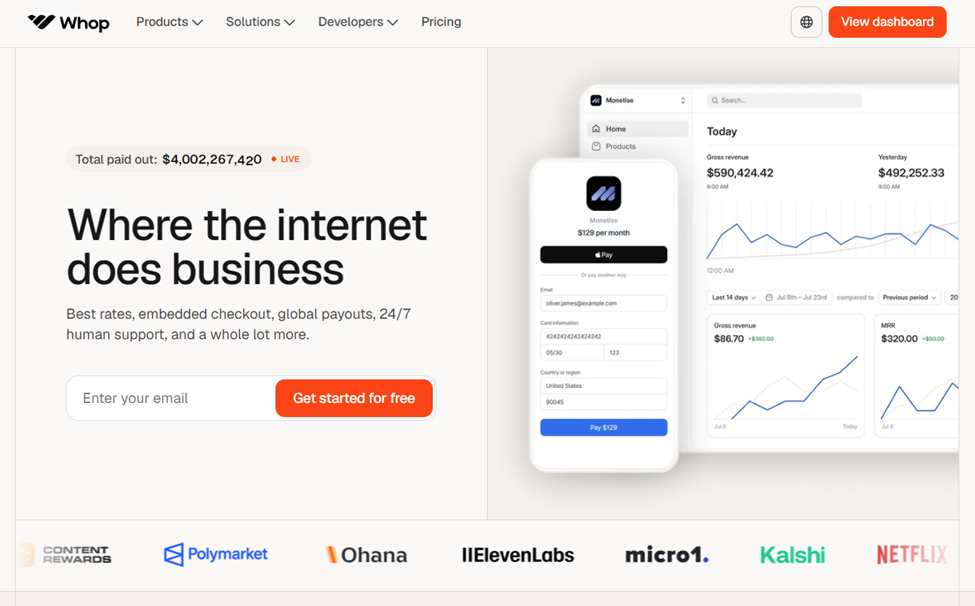
Whop is an all-in-one commerce platform built for creators selling digital products, memberships, communities, courses, and software access. You build a storefront, set your pricing, and Whop handles checkout and access. It also runs a marketplace called Discover, where buyers browse listings, which can send you traffic you did not have to generate yourself.
For TikTok sellers, the appeal is that one Whop page can hold several different offers at once. If your content drives people towards a paid Discord, a course, and a downloadable template, you do not need three separate tools. The checkout is clean and the access automation (unlocking a Discord role, a Telegram group, or a download) happens instantly after payment.
On fees, the headline rate is 2.7% plus $0.30 per domestic card transaction with no monthly subscription, so you only pay when you sell. The detail that often gets missed is a 3% platform fee that applies to automated or gated sales, such as Discord or Telegram access, which most Whop sellers use. That pushes the real base rate closer to 5.7% plus $0.30 on those sales. International cards add roughly 1.5%, and currency conversion adds about another 1%, so the total climbs for a global audience. Whop removed its old 30% marketplace commission on Discover sales in 2025, though some third-party write-ups still quote the old figure, so it is worth confirming the current Discover rate directly before you build pricing around it.
A couple of honest caveats. Whop’s audience skews young, tech-leaning, and hustle-oriented, with trading, reselling, and community niches doing especially well, so it is a stronger fit for some products than others. As a marketplace hosting many third-party sellers, buyer-facing reviews are mixed, which matters more if you are a customer than a seller.
Best for: Creators selling memberships, communities, subscriptions, courses, or bundled digital products who want a storefront, payments, and access control in one place.
2. TikTok Shop
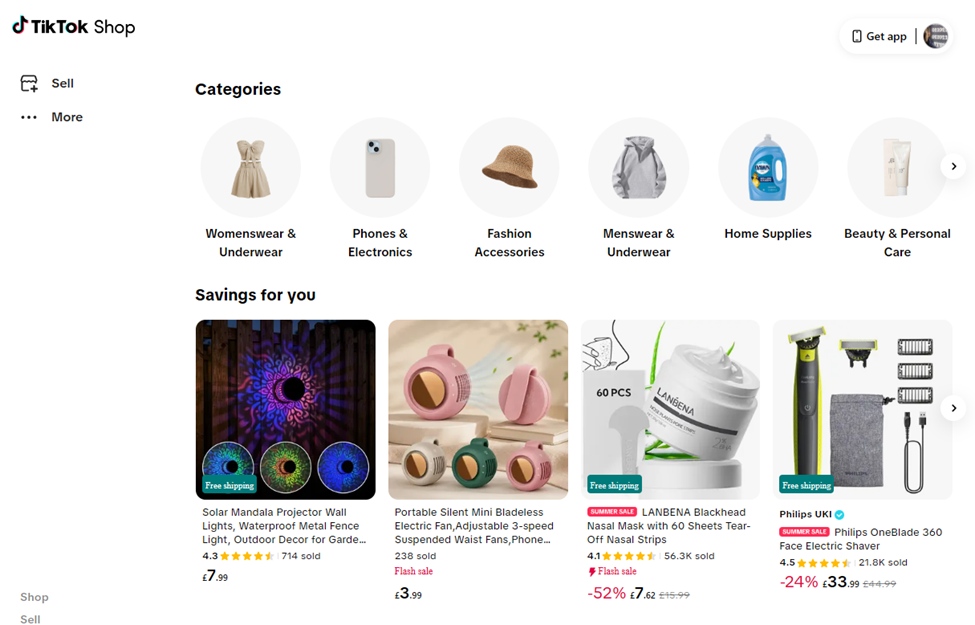
TikTok Shop is the native option, and for a lot of sellers it is the obvious first stop. The entire purchase happens inside the app, so a viewer can go from watching your video to checking out without leaving TikTok. That removes friction, and the discovery side is the real draw: a single video can put your product in front of a huge audience with no ad spend.
There is no monthly or listing fee. In the US, the referral fee for most categories has sat around 6% in 2026, with payment processing largely folded into that rate, and new sellers can often access a reduced promotional rate for their first 30 days. Rates differ by region, and they have been trending upward as the platform matures: the UK moved to roughly 9% in late 2024, and several EU markets followed in early 2026. Because these numbers shift, the TikTok Shop Seller Center is the only source worth trusting for your specific market.
The thing to understand is that the referral fee is rarely your true cost. TikTok Shop runs on creator affiliates, and if you recruit creators to push your product you set their commission yourself, often in the 10% to 20% range. Add returns, content production, and the near-inevitable ad spend, and the real take on a typical order can climb well past the headline rate. US sellers also now have to use TikTok’s own fulfilment and shipping options rather than their own carrier labels, which reduces flexibility.
Best for: Physical products with strong visual appeal and an impulse-friendly price point, especially sellers ready to lean into creator partnerships.
3. Shopify
Shopify is the established ecommerce platform, and it connects to TikTok through a native sales channel. You list products once in Shopify, sync them to TikTok Shop, and manage inventory and orders from a single dashboard. That central control is the main reason multi-channel sellers use it.
Plans start at around $39 per month for Basic (less on annual billing), with online card processing at 2.9% plus $0.30 through Shopify Payments. If you use an outside payment gateway instead, Shopify adds a surcharge on top, so most sellers stick with Shopify Payments. Unlike TikTok Shop, you own the customer relationship, including the email list, which is valuable for repeat sales and not something TikTok hands you.
The trade-off is that Shopify gives you a store but not an audience. You are responsible for driving every visitor, whether through TikTok content, ads, or other channels. For a creator who already has attention on TikTok, that is less of a problem, but it does mean Shopify works best alongside a traffic source rather than as one.
Best for: Sellers building a long-term brand who want full control of their store, customer data, and fulfilment across more than one channel.
4. Stan Store
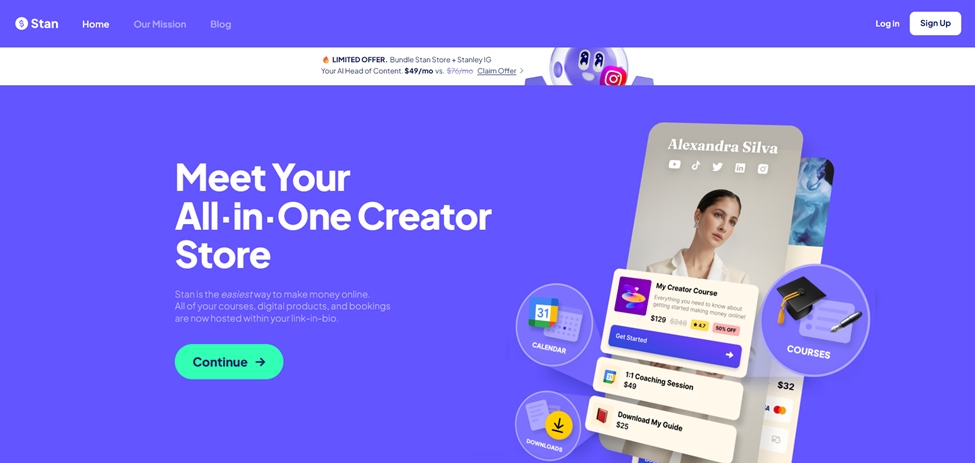
Stan Store is a mobile-first storefront designed to live in your link in bio. It exists for exactly the problem TikTok creates: you get one link, but you may want to sell a course, take bookings, collect emails, and offer a download all at once. Stan puts those on a single, clean page with a fast one-tap checkout that is built for phone traffic.
Pricing is subscription-based at $29 per month for the Creator plan and $99 per month for Creator Pro, and notably Stan does not charge its own transaction fee, so you keep your full sale price minus the standard payment processing cost. There is no free plan, though a trial is available. The maths works in your favour once you are doing a few hundred dollars a month or more, since the flat subscription beats percentage cuts at volume.
It is deliberately simple, which is the point, but also the limit. Customisation and design control are minimal, and some of the more useful tools, like email marketing, sit behind the higher tier. If branding flexibility matters a lot to you, that simplicity can feel restrictive.
Best for: Social-first creators selling digital products, coaching, or courses who want the fastest path from a TikTok viewer to a completed sale.
5. Beacons
Beacons is a close cousin to Stan Store: a link-in-bio page combined with a creator storefront, email tools, and a media kit. Its two standout traits are a more generous free plan and deeper design customisation, so it tends to suit creators who treat their bio link as an extension of a carefully styled brand.
The catch on the free plan is a 9% transaction fee on sales. Paid plans, which start at around $10 per month, drop that fee to 0% and unlock more features. So Beacons can be a low-risk way to start selling with no upfront cost, then becomes cheaper to run once you upgrade. It also leans into AI tools for things like product descriptions and marketing copy, which some creators find useful and others ignore.
Because Beacons serves a broad range of users rather than focusing purely on sellers, its sales and checkout flow is sometimes described as a step behind more conversion-focused tools. If your single priority is squeezing the most sales out of mobile traffic, that is worth testing for yourself.
Best for: Creators who want a free starting point with strong design control and are happy to upgrade later to remove the transaction fee.
6. Gumroad
Gumroad has been a default home for first-time digital sellers for over a decade, mostly because it is so easy to start. You can go from nothing to a live product page in about ten minutes, which removes a real barrier for anyone nervous about the technical side.
It charges no monthly fee and takes 10% plus $0.50 per sale on direct transactions, with payment processing handled as part of its setup since it now operates as a merchant of record, meaning it takes care of sales tax and VAT on your behalf. That tax handling is a genuine convenience. The downside is the percentage: at 10% it is one of the higher rates in this list, and that gap widens as your revenue grows, since you are paying it on every single sale with no volume relief.
For a creator testing whether people will pay for an ebook, template, or preset, the simplicity often outweighs the cost. Once you are selling consistently, it is worth running the numbers against a flat-subscription option, because the fee can quietly become your largest expense.
Best for: Beginners and occasional sellers who value speed and tax handling over the lowest possible fee.
7. Payhip
Payhip covers similar ground to Gumroad, selling digital downloads, courses, memberships, and even physical products, but it competes mainly on cost and transparency. Every feature is available on every plan, including the free one, which is unusual.
Its pricing is tiered around your transaction fee: the free plan takes 5%, a mid plan at roughly $29 per month takes 2%, and a Pro plan at around $99 per month takes 0%. Payment processing through Stripe or PayPal (about 2.9% plus $0.30) applies on top of all of these, which is the key difference from Gumroad, where processing is bundled. Even so, the maths tends to favour Payhip at scale. It also handles EU and UK VAT on digital products automatically, though you may still be responsible for other tax obligations yourself.
Useful extras include built-in licensing for software or gated files and a straightforward store builder. It does not have a buyer-facing marketplace, so as with most storefront tools, you bring your own traffic, which is exactly what TikTok is for.
Best for: Fee-conscious digital sellers who want low costs at volume and do not need a built-in marketplace.
8. Lemon Squeezy
Lemon Squeezy is aimed at people selling software, digital tools, and subscriptions, and its main selling point is that it acts as a merchant of record. In plain terms, it takes on the headache of global sales tax and VAT compliance, which is a meaningful relief if you sell to buyers in many countries, as TikTok’s reach tends to encourage.
Its base fee starts around 5% plus $0.50 with processing included, but it is worth reading the fine print, because conditional surcharges stack on top: extra for international cards, for PayPal payments, and for subscription billing, plus payout fees. The effective rate can end up higher than the headline suggests, so model your own mix before assuming it is the cheapest option.
One forward-looking note: following its acquisition, the platform has been moving towards a different underlying payment setup, so if you are committing for the long term it is worth checking the current state of its processing and fee model directly.
Best for: Software, SaaS, and digital creators with an international audience who want tax compliance handled for them.
9. Stripe
Stripe is not a storefront. It is the payment processing engine that sits underneath many of the platforms already on this list. You would reach for it directly if you have your own website or checkout and want to take payments with the lowest possible platform cut and the most control.
The standard US rate is 2.9% plus $0.30 per online card transaction, with no monthly or setup fees on the standard plan. International cards add around 1.5% and currency conversion adds about 1%, so cross-border sales cost more. Because there is no platform fee on top, your effective cost is often lower than an all-in-one tool, and Stripe also offers cheaper options like ACH bank transfers for larger payments.
The trade-off is effort. With Stripe you are responsible for building or connecting the checkout, delivering the product, handling customer questions, and managing your own tax. For a developer or a more established seller, that control is the whole appeal. For someone who just wants to sell a single download from their TikTok bio, it is more setup than the job needs.
Best for: Technically comfortable sellers or growing businesses who want maximum control and the lowest platform fees, and do not mind wiring things up themselves.
10. PayPal
PayPal earns its place mostly on trust. It is one of the most recognised checkout buttons in the world, and for some buyers, seeing it lowers the hesitation of paying a creator or small brand they have only just discovered on TikTok. That familiarity can matter for conversion more than a fraction of a percentage point in fees.
Its standard rate for online sales is around 3.49% plus $0.49 per transaction, which is higher than Stripe’s, particularly the fixed portion, so it bites harder on smaller orders. International payments add further fees. The upside is that setup is quick, payouts into a PayPal balance are immediate, and many of the storefront tools above let you accept PayPal alongside cards, so you do not have to choose it exclusively.
In practice, PayPal often works best as an option offered next to card payments rather than your only checkout, letting buyers who prefer it use it while you keep cheaper routes available for everyone else.
Best for: Sellers who want a widely trusted checkout that reassures first-time buyers, ideally offered alongside card payments rather than on its own.
How to think about the choice
There is no single best platform, and any honest guide has to say so. The right answer falls out of a few practical questions. Are you selling physical goods or digital ones? Do you want the sale to happen inside TikTok, or are you happy to send people to a link? How much do you care about owning the customer relationship versus borrowing TikTok’s reach? And at your current revenue, does a flat subscription or a percentage fee leave you with more?
For physical products and viral discovery, TikTok Shop and Shopify are the natural starting points. For digital products sold off the back of your content, the link-in-bio storefronts (Stan Store, Beacons) and the digital sellers (Whop, Gumroad, Payhip, Lemon Squeezy) cover most needs, with the right pick depending on your fee sensitivity and whether you want tax handled for you. And if you want the most control and the lowest cut, the raw processors (Stripe, PayPal) reward the extra setup work.
The cheapest way to find out is to run your own numbers at your real average order value and sales volume, because the platform that looks best on a pricing page is not always the one that leaves the most in your account.
FAQ’s
Do I need TikTok Shop to sell on TikTok? No. TikTok Shop is the native in-app option, but plenty of creators sell entirely through their bio link, pointing followers to a storefront or checkout they control. Native checkout reduces friction and helps with discovery, while an external link gives you more control over fees, branding, and customer data. Many sellers eventually use both.
Which option has the lowest fees? It depends on what and how much you sell. Raw processors like Stripe (around 2.9% plus $0.30) tend to be cheapest per transaction because there is no platform fee on top, but they require you to build your own checkout. Among easier tools, flat-subscription platforms (such as Stan Store, or the higher tiers of Payhip) usually beat percentage-fee platforms once you are selling at any real volume. Below a few hundred dollars a month, a free or no-subscription option can work out cheaper despite a higher percentage.
What is the difference between a payment processor and a storefront? A processor (Stripe, PayPal) only moves the money. A storefront or commerce platform (Whop, Shopify, Stan Store, Gumroad, and the others) gives you product pages, checkout, delivery, and often extras like access automation or email tools, and uses a processor underneath to take the payment. Most creators want a storefront so they are not building everything from scratch.
Do these platforms handle sales tax and VAT for me? Some do, some do not. Platforms that act as a merchant of record, such as Gumroad and Lemon Squeezy, take on global tax compliance for you. Payhip handles EU and UK VAT on digital products but may leave other obligations to you. With raw processors like Stripe, tax is your responsibility. If you sell internationally, which TikTok’s reach makes likely, this is worth checking before you pick.
What about selling during a TikTok LIVE? Native TikTok Shop products can be featured directly in a LIVE, which is part of why the platform suits impulse buys. If you sell off-platform, you would point viewers to your bio link during the stream instead. Creators who also sell in person sometimes add a processor like Square, which is built around in-person and point-of-sale payments, so the same catalogue covers both live selling and a physical stall or event.